Everything Ruby POS does, in one place.
No marketing language. No feature lists padded out with things you'll never use. This is what Ruby POS actually ships with, why each piece exists, and how it holds up under the mess of running a real shop in Kenya.
Eight areas where Ruby POS does the work
Each category below has its own section further down the page. Click any card to jump straight to the detail.
Checkout & Sales
Fast, keyboard-driven tills designed for busy counters. Barcode scan, search, split payment, done.
- Keyboard shortcuts for speed
- Split payments across methods
- Returns and exchanges
Payments
M-Pesa, Airtel Money, bank transfers, cards, and cash from the same till. Reconciled automatically.
- M-Pesa STK Push prompting
- Airtel Money Paybill
- Card, bank, and cash support
Inventory & Stock
Live stock across every branch, cross-branch transfers, low-stock alerts, and multi-warehouse support.
- Real-time stock per branch
- Inter-branch transfers
- Low-stock and expiry alerts
Offline Mode
The till keeps selling when the internet drops. Syncs automatically when the connection returns.
- Full offline operation
- Queued payment confirmations
- Conflict-free sync engine
Staff & Permissions
Individual accounts, role-based access, audit trails, and shift tracking — no more shared PINs.
- Per-staff logins
- Role-based permissions
- Shift and till tracking
Business Website
Every Ruby POS includes a mobile-friendly website. Products sync from the till. Orders land in the same dashboard.
- Built-in e-commerce store
- M-Pesa and card checkout
- Custom domain supported
Reporting & Analytics
Owner dashboard on your phone. Sales, profit, top products, staff performance, and forecasting.
- Live owner dashboard
- Profit and margin reports
- Demand forecasting
Hardware & Support
Terminals, printers, scanners, and drawers — supplied, configured, and supported by the same team.
- Buy outright or rent monthly
- On-site installation
- Staff training included
Security & Compliance
KRA-ready receipts, encrypted data at rest and in transit, and full audit logging across the system.
- KRA-compliant receipts
- Encrypted storage and backups
- Full audit trail
 01 · Checkout
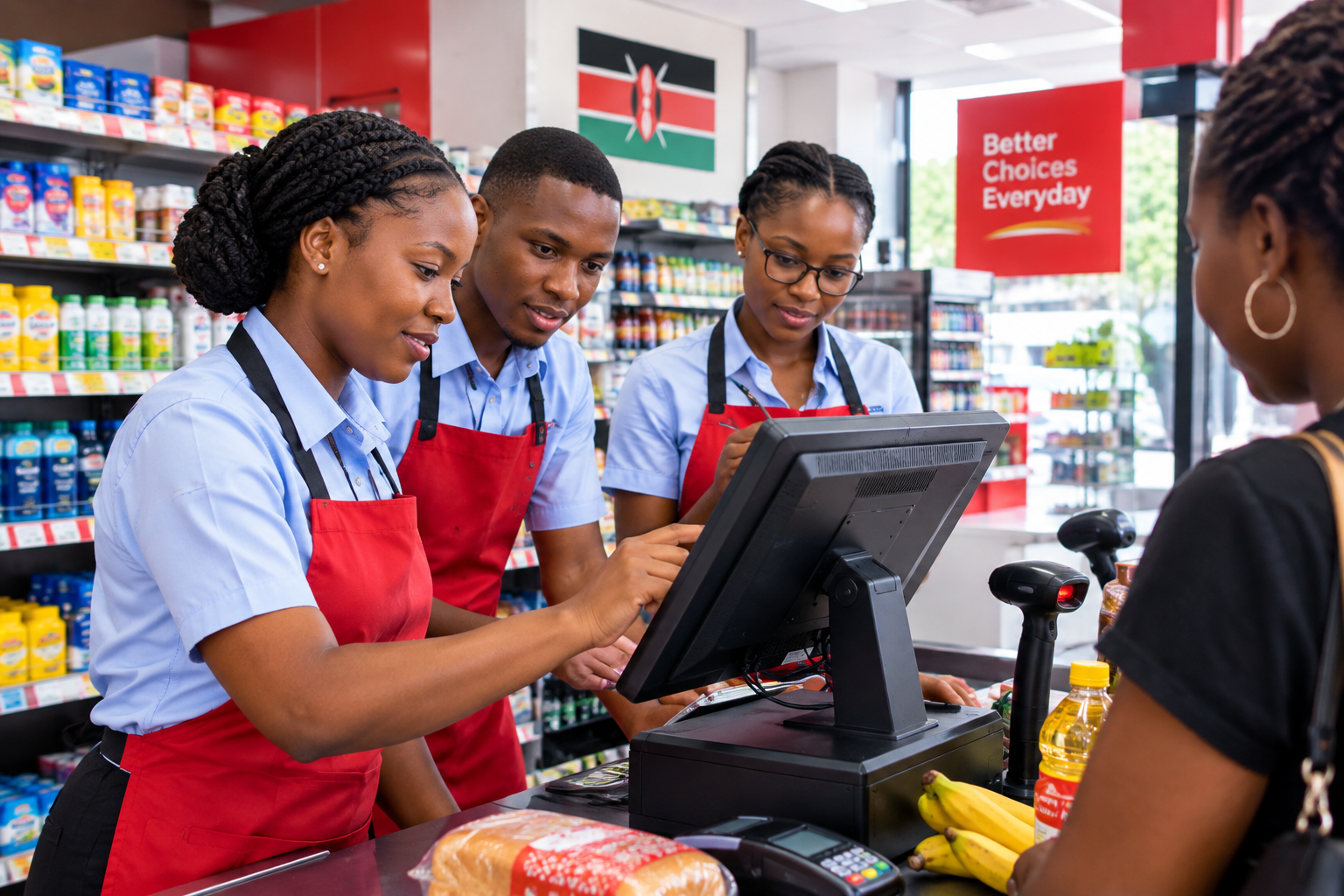
A till that gets out of the way when customers are waiting.
At a busy counter, every extra second is money. Ruby POS is built for keyboard-first operation — scan, search, adjust quantity, take payment. No mouse required, no waiting for animations, no accidental taps in the wrong place.
The checkout is designed so that a cashier who has used the system for a week can complete a typical sale without looking down. Barcode scanning is instant. Product search returns results as you type. Split payments across multiple methods work in one transaction, and every adjustment is logged.
- Keyboard-first operation
- Instant barcode scanning
- Split payment across methods
- Instant product search
- Returns and exchanges
- Hold and recall sales
 02 · Payments
Five ways to pay. One till. Zero drama.
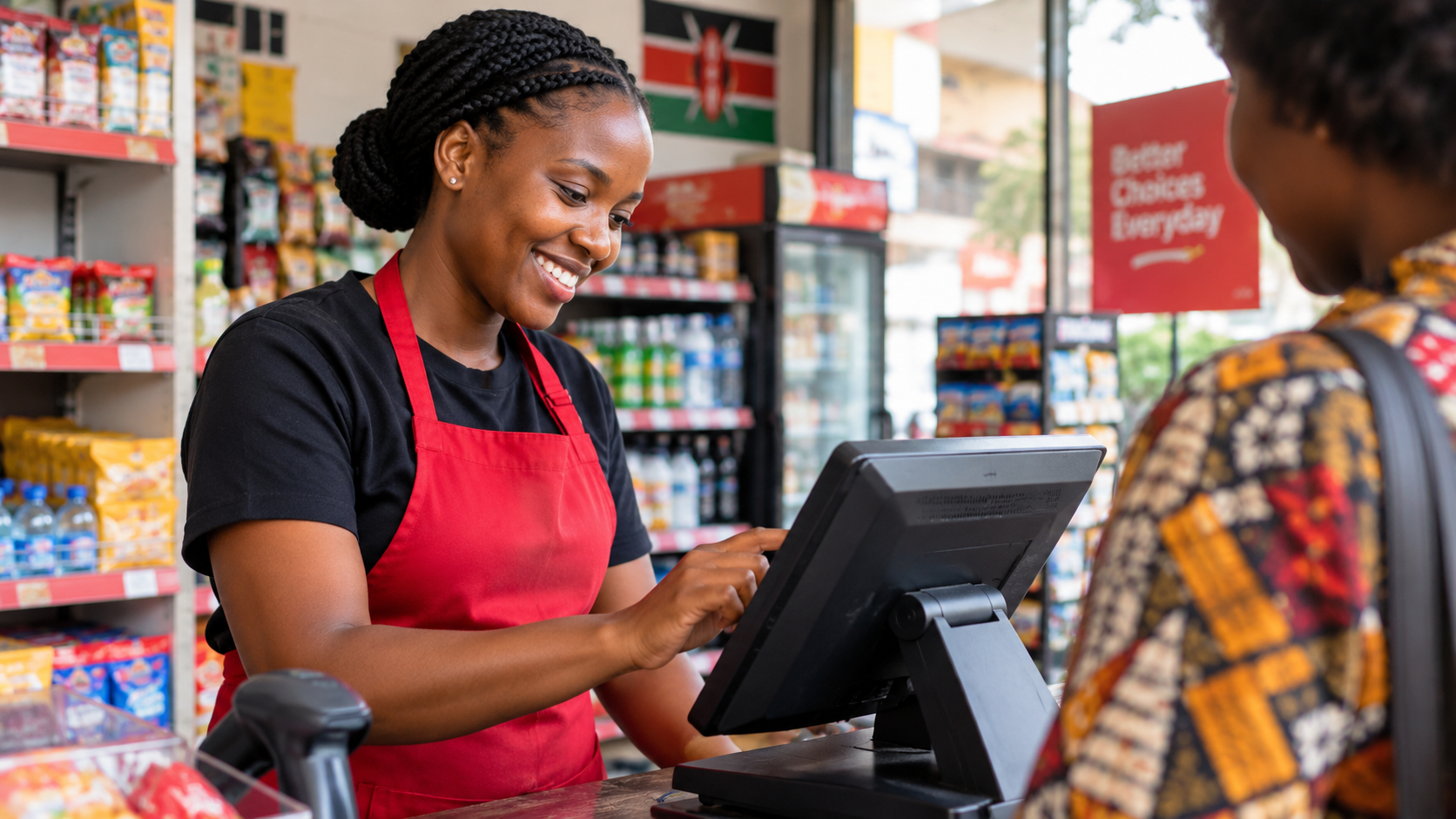
Ruby POS takes M-Pesa, Airtel Money, bank transfers, cards, and cash from the same screen. The cashier picks the method, the transaction completes, and everything lands in the day's report as a properly categorised sale.
For mobile money, we support Paybill, Till, Send Money, and STK Push prompting. The customer taps their PIN on their own phone, the payment confirms, and the till marks the sale as paid within seconds. For cash, automatic change calculation and drawer reconciliation. For cards, native integration with local and international gateways.
Everything reconciles itself. No matching M-Pesa confirmations to receipts at the end of the day. No manual entry. No spreadsheet.
- M-Pesa Paybill & Till
- M-Pesa STK Push prompting
- Airtel Money integration
- Card payments (Visa / Mastercard)
- Bank transfer recording
- Cash & automatic change
 03 · Inventory
One stock file across every branch.
Multi-branch operations break down when each location keeps its own stock file. Products disappear between branches. Transfers are recorded on paper. Nobody trusts the numbers. Ruby POS solves this by keeping one live stock file that every till writes to and reads from.
When a sale happens at branch three, stock levels update at every branch within seconds. When stock is transferred between locations, the receiving branch confirms the transfer before it counts. When an item falls below its reorder point, the system alerts the person responsible — not everyone.
Stock takes used to take a full day. Now they take twenty minutes, because the counts are almost always already correct.
- Real-time stock per branch
- Inter-branch stock transfers
- Low-stock alerts and reorder points
- Batch and expiry tracking
- Multi-warehouse support
- Full stock take in-app
04 · Offline
Built for the reality that the network will fail.
Most POS systems treat offline mode as a fallback — a degraded state to survive until the internet comes back. Ruby POS was designed offline-first from the ground up. The till assumes connectivity is temporary, not guaranteed.
Every sale is written to local storage first and queued for sync. If the connection is up, sync happens in milliseconds. If it isn't, the sale sits safely on the terminal until it is. When connectivity returns, sync proceeds automatically in the background — no button to press, no manual reconciliation, no risk of duplicate transactions.
Cash sales always work. Card and mobile money sales work the moment the network is available. For M-Pesa specifically, the payment is queued and confirmed the moment the mobile money API becomes reachable — the sale is not lost in the meantime.
- Full offline sales operation
- Automatic sync on reconnect
- No duplicate transactions
- Queued payment confirmations
- Local data encryption
- Works through power cuts
05 · Staff
Every action has a name attached to it.
When every cashier shares the same till PIN, you lose accountability. Discounts that shouldn't happen happen. Voided sales become invisible. Stock adjustments go untracked. Ruby POS gives each staff member their own account with permissions matched to their role.
A cashier can ring up sales and process payments. A supervisor can also apply discounts and process returns. A manager can adjust stock, run reports, and export data. An owner sees everything, across every branch, on their phone.
Every action is logged. Voids, discounts, refunds, till opens, and stock adjustments all carry the name of the person who performed them and the time they did it. Owner dashboards surface unusual patterns — a cashier whose discounts are consistently higher than their colleagues, for instance — before they become a problem.
- Per-staff logins and PINs
- Role-based permissions
- Discount and void authorisation
- Shift tracking and till opens
- Performance per staff member
- Full audit log with timestamps
06 · Website
A shop front online, without a second system.
Most POS systems leave you to build a website separately — a second platform, a second subscription, a second place to keep products up to date. Ruby POS includes one. Every subscription comes with a mobile-friendly business website at no extra cost.
The website is not a static brochure. It syncs directly from the POS. Add a product to the till, it appears on the website. Change a price, the website reflects it. Mark something out of stock, the website hides it. No manual sync, no duplicate data entry, no drift between online and in-store.
Customers browse your shop online, place orders, and pay by M-Pesa or card. Online orders land in the same dashboard as in-store sales, so there is one view of your business rather than two. You can use a free subdomain or connect your own custom domain.
- Mobile-friendly, fast loading
- Products sync from POS
- Stock levels sync in real time
- M-Pesa and card checkout
- Custom domain supported
- No extra hosting fee
07 · Analytics
Your shop, on your phone, updated live.
The owner dashboard is not a static report you run once a week. It is a live view of the business, updated the moment something happens on any till in any branch. Sales today, profit margin, top products, slowest movers, staff performance, cash on hand, and more — all visible on a phone.
Beyond the day-to-day dashboard, Ruby POS ships with a deeper analytics layer. Product-level profitability, not just revenue — so you can see which items actually make money after cost. Branch-level comparison to spot which location is pulling its weight. Customer repeat-purchase rates to understand loyalty. Slow-moving stock alerts before items become dead inventory.
For businesses with enough history, Ruby POS also runs basic demand forecasting — flagging items likely to stock out or overstock in the next thirty days based on past sales patterns and seasonality.
- Live owner dashboard
- Product-level profitability
- Branch comparison reports
- Staff performance tracking
- Customer repeat-purchase analytics
- Demand forecasting (30-day horizon)
Everything that ships with every Ruby POS
Grouped by area, no padding. If it's on this list, it's included in the standard product — not a paid add-on.
Sales & Checkout
- Barcode scanning
- Product search as you type
- Keyboard shortcuts for speed
- Split payment across methods
- Hold and recall sales
- Returns, refunds, and exchanges
- Custom receipts (logo, footer)
- Discount by item or total
- Loyalty price rules
- Wholesale vs retail pricing
Payments
- M-Pesa Paybill and Till
- M-Pesa Send Money
- M-Pesa STK Push prompting
- Airtel Money Paybill
- Airtel Money STK Push
- Card payments (Visa / Mastercard)
- Bank transfer recording
- Cash with automatic change
- Automatic reconciliation
- Failed payment retry
Inventory & Stock
- Real-time stock levels
- Multi-branch stock visibility
- Inter-branch stock transfers
- Low-stock alerts and thresholds
- Automatic reorder suggestions
- Batch and expiry tracking
- Multi-warehouse support
- Stock take in-app
- Stock adjustment audit trail
- Bulk stock import (CSV)
Offline & Reliability
- Full offline sales operation
- Automatic sync on reconnect
- Queued payment confirmations
- Conflict-free sync engine
- Local encrypted storage
- Works through power cuts (with UPS)
- Duplicate transaction prevention
- Data backup and restore
- Network health indicators
- Offline sales queue viewer
Staff & Permissions
- Individual staff accounts
- Role-based permissions
- Discount and void authorisation
- Shift tracking and clock-in
- Till open / close records
- Performance reports per staff
- Commission tracking
- Full audit log
- Staff PIN vs full login
- Multi-branch staff assignment
Business Website
- Mobile-responsive storefront
- Products sync from POS
- Stock sync in real time
- M-Pesa online checkout
- Card online checkout
- Order management in dashboard
- Custom domain support
- SEO-friendly structure
- Category and product pages
- No extra hosting fee
Reports & Analytics
- Live owner dashboard
- Daily, weekly, monthly reports
- Product-level profitability
- Branch comparison reports
- Staff performance analytics
- Customer repeat-purchase analysis
- Slow-moving stock alerts
- Demand forecasting (30-day)
- Export to Excel and CSV
- Scheduled email reports
Security & Compliance
- KRA-compliant receipts
- Tax reports and exports
- Encrypted data at rest
- Encrypted data in transit
- Automatic daily backups
- Two-factor authentication
- Role-based access control
- Full audit logging
- Data export on demand
- Client owns all data
Hardware & Support
- POS terminal supply
- Receipt and label printers
- Barcode scanners
- Cash drawers
- Tablets for waiters and drivers
- Networking equipment
- On-site installation
- Staff training
- Monthly rental option
- Direct support line
Built-in integrations
Ruby POS talks to the services Kenyan businesses already rely on. No middleware, no third-party consultants, no extra fees.
Things people ask about specific features
Want to see any of these features in a live system?
Book a free 30-minute demo. Tell us which feature matters most for your shop and we'll walk you through it in a real Ruby POS environment — not a slideshow.